
From still photos to paid-social motion
Turn a small set of source images into short-form video assets for launches, ads, and social posts.
Vertical product video
Source

Output
Source frames -> motion-ready product reel
Create videos, lifestyle scenes, and in-use visuals from the product photos you already have. Keep labels, colors, materials, and shape accurate while producing content for ads, social posts, marketplaces, and your storefront.
See what you can make
Compare the original product photo with the finished marketing output
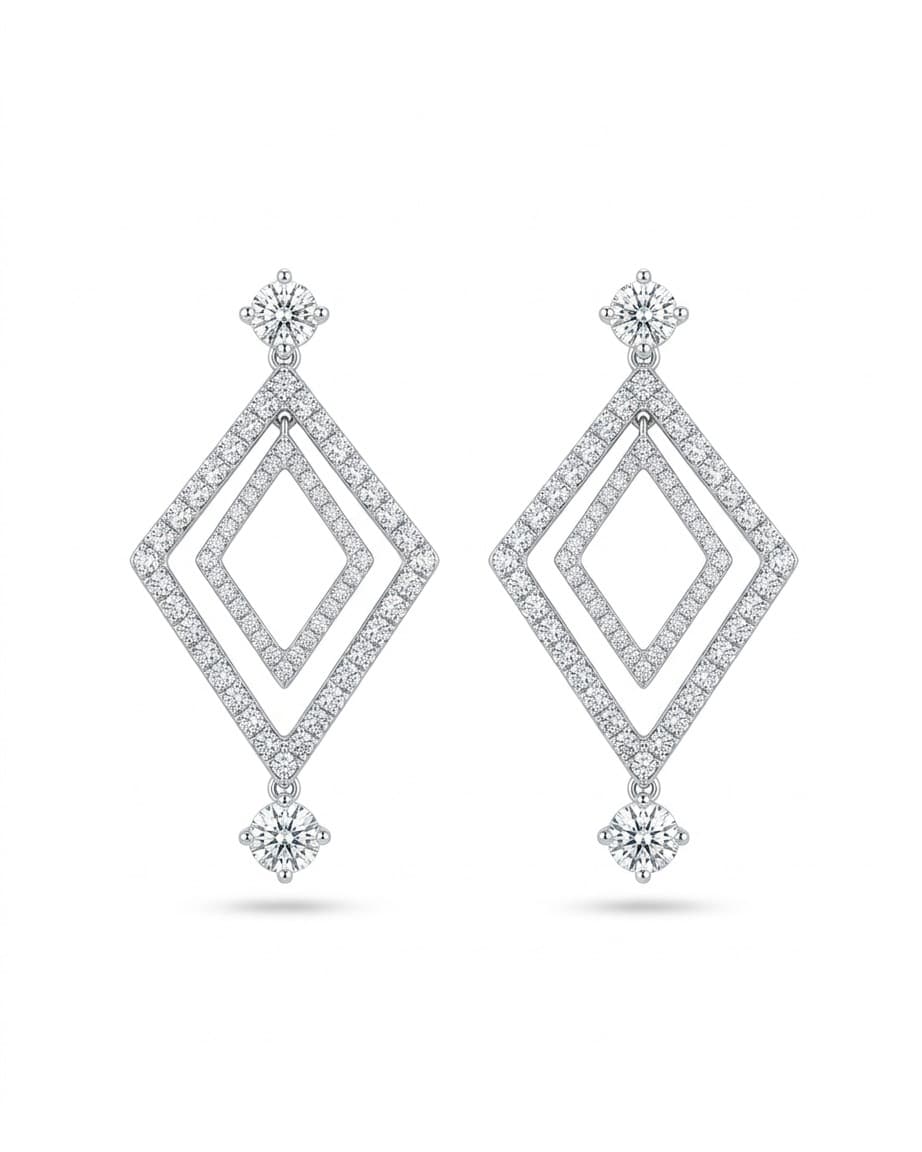
Original uploaded product photo from the source set.
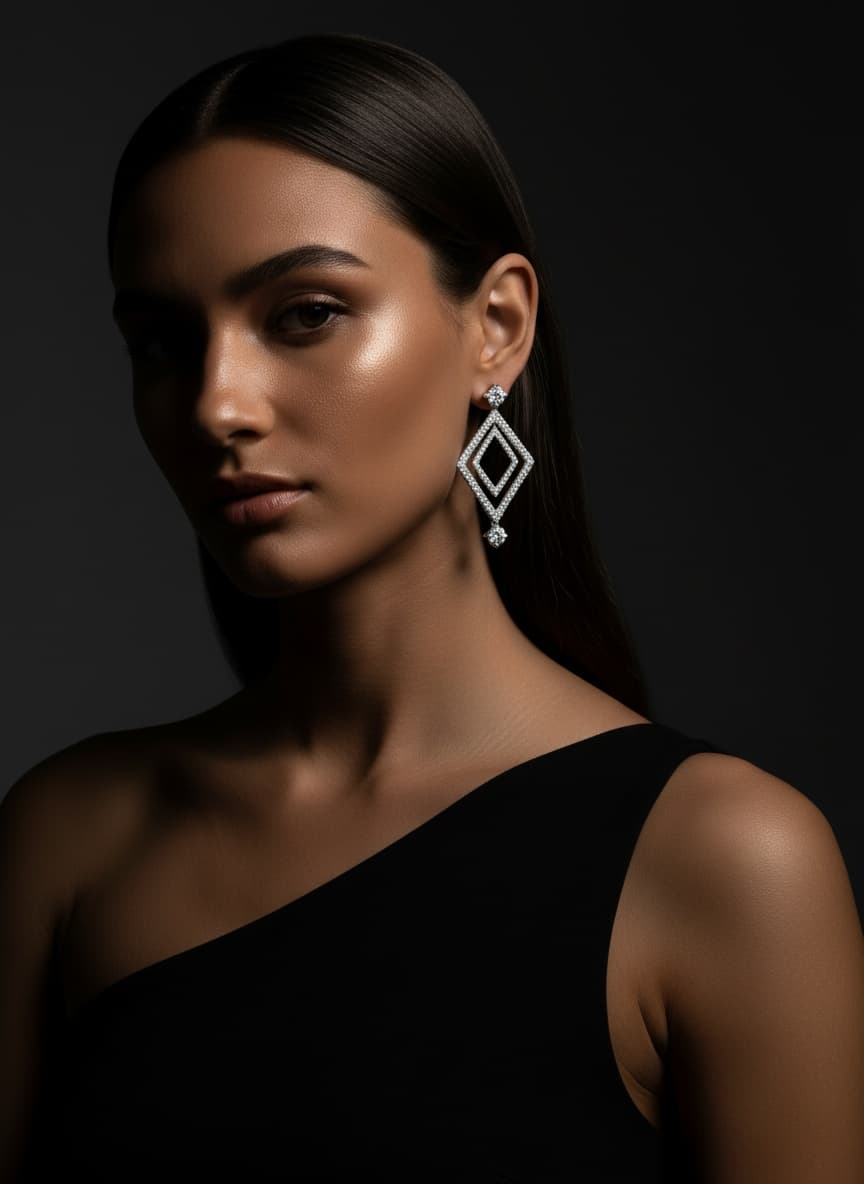
A polished marketing visual generated from the original product photo.
Use the same source images to generate styled scenes, motion-ready visuals, and in-use content while keeping the product recognizable.
Every launch needs fresh creative, but reshooting for every campaign and channel slows your team down.
Turning one product photo set into ads, marketplace assets, and social posts by hand eats hours every week.
Most AI tools distort labels, packaging, materials, and shape, which makes the output harder to trust.
You still need visuals tailored for your storefront, paid campaigns, product pages, and short-form video.
Catalogstory is designed for people and businesses that already have product photos and need polished content fast. The goal is better product marketing without compromising what the customer expects to receive.
Upload your real product photos once and adapt them to multiple campaigns and channels.
Generate product videos, lifestyle scenes, and in-use visuals without staging a new shoot every time.
Keep the product accurate so buyers see visuals that still match what you sell.
Patina, labels, texture, shape, and wear stay believable.
Go from listing images to launch assets across multiple channels.
Create content fast enough to match sourcing, listing, and campaign rhythm.
Buyers notice color, shape, finish, labels, and materials. This platform is designed to keep those signals intact so the creative still feels credible when someone is deciding to buy.
Preserve finish and texture
Protect labels, logos, and small details
Keep material and lighting believable
Avoid generic AI-looking output
Start with the product images you already have. Clean, well-lit photos work best, but no special studio setup is required.
Pick video, lifestyle, in-use, or batch generation based on the campaign you want to launch.
Use the finished assets in ads, storefronts, product pages, marketplaces, and social posts.
Input
1-10 product photos
Output
Short vertical motion assets
Impact
Create launch-ready video without booking another shoot.
Input
Clean product source images
Output
Styled interiors and branded scenes
Impact
Give product pages and campaigns a more premium visual context.
Input
Product photos with detail clarity
Output
Realistic held or used visuals
Impact
Help shoppers understand scale, use, and desirability faster.
Input
Multiple product groups
Output
Consistent multi-item campaigns
Impact
Keep content production aligned with bigger launches and faster release cycles.
Choose a plan, upload your product photos, and start generating polished content without rebuilding your process around reshoots.
Turn a small set of source images into short-form video assets for launches, ads, and social posts.
Source
Output
Source frames -> motion-ready product reel
Place your product into believable interiors and branded scenes while keeping the product details intact.
Source

Output

Generate hands-on or in-use visuals that help buyers understand size, function, and context without awkward AI artifacts.
Source

Output

Source photo -> branded lifestyle scene
In-use context with cleaner realism